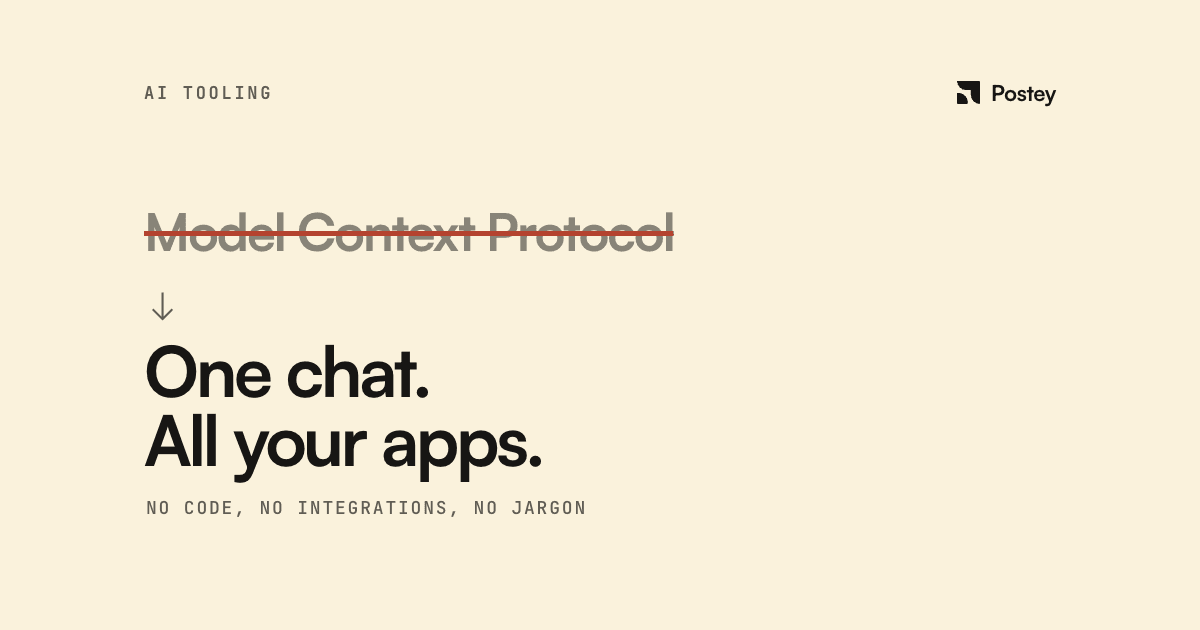
You don't need to understand Model Context Protocol as a technology to understand what it changes. The practical version: you can now tell an AI assistant to go do something in another app, in normal sentences, instead of clicking through that app's interface yourself.
MCP is the plumbing that makes that possible without a developer building a custom integration first. Anthropic's own documentation puts it plainly: the protocol "results in more capable AI applications that can access user data and take actions on the user's behalf when necessary."
What this already looks like, outside social media entirely
Shipped integrations, not roadmap promises:
- Figma's Dev Mode MCP server lets a connected AI turn a design frame into working code, or a live webpage back into editable design layers.
- HubSpot's MCP server gives an AI read and write access to contacts, deals, and campaigns, so "summarize this week's deals by stage" becomes a sentence instead of a dashboard trip.
- Shopify runs two official MCP servers so an AI shopping assistant can browse a catalog, build a cart, and check out on a customer's behalf.
- Google's Analytics team ships an MCP server so "how did my landing page do this week" can be answered by typing a sentence instead of opening a report.
- Notion's official MCP server lets an AI search, read, and update your pages and databases, including a content calendar, after you authorize it.
The mental shift worth noticing
Most explainers treat MCP as invisible backend plumbing: "developers handle this, you don't need to know." That framing undersells what's actually moving. Once your tools are MCP-connected, the primary interface to your software stack becomes the chat window itself, not each app's own UI.
MCP-connected apps can do more than fetch information. Claude's connector documentation describes apps that "render interactive visual elements directly in the conversation": a map, a form, a chart, appearing inside the chat instead of a separate tab.
Where this gets useful for social and marketing work
- Pulling a content calendar out of Notion and turning it into scheduled drafts without copy-pasting between two tabs.
- Asking an AI what a landing page did this week via a connected analytics tool, instead of opening a dashboard for one question.
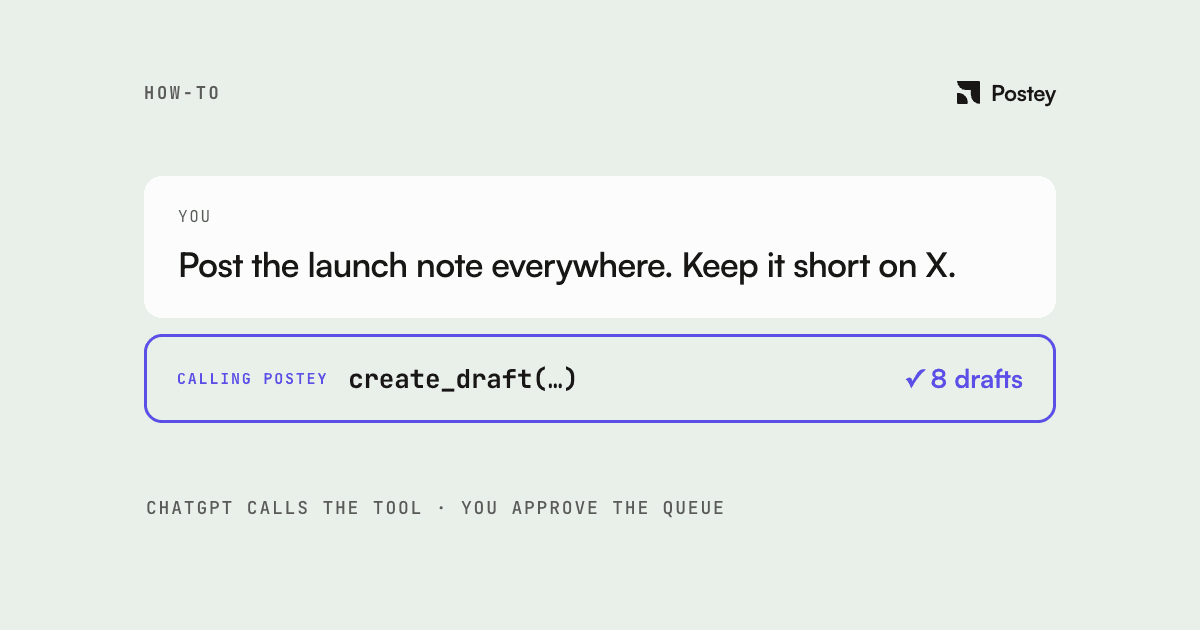
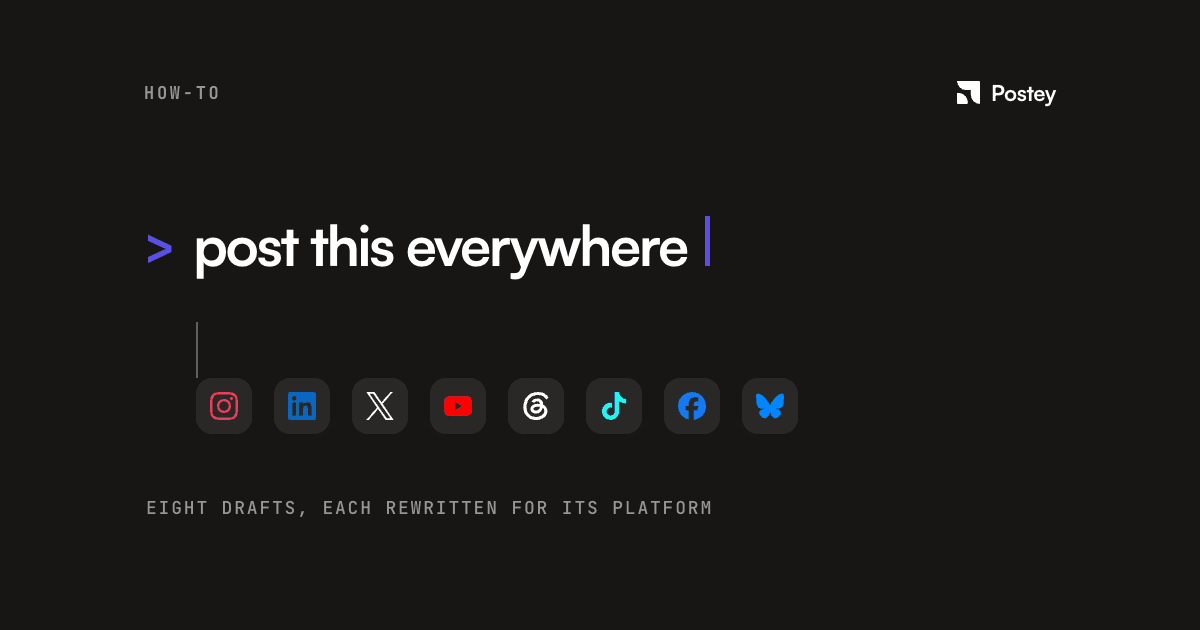
- Telling a connected scheduler to draft and queue a week of posts across platforms from the same chat where you write the ideas. This is exactly what Postey's MCP server does: you describe what you want posted, and it drafts, adapts, and schedules across your connected accounts without you opening the app.
Where the protocol actually lands: the chat window you already have open is becoming the front door to more of the software you use, one authorized connection at a time.
FAQ
Do I need to be technical to use something built on MCP?
No. As a user, you typically just authorize the connection once, similar to logging into an app, then talk to your AI assistant in plain English. The protocol's complexity lives in how the tool was built, not in how you use it.
What's a real, non-social example of MCP in action?
Shopify runs two official MCP servers so a connected AI can browse a store's catalog, build a cart, and complete checkout on a customer's behalf. Google's Analytics team ships one too, so you can ask "how did my landing page do this week" as a normal sentence.
Is MCP the same as a chatbot plugin?
Not quite. A plugin usually only works inside one specific app. MCP is a shared standard, so the same connected tool works across any MCP-compatible AI assistant, not just one.
Can an AI assistant actually publish a social post through MCP, not just draft one?
Yes, where the connected tool supports it. Postey's MCP server lets you draft, schedule, and publish across platforms directly from a chat with Claude or ChatGPT, with the tool adapting one draft per platform automatically.