ChatGPT supports MCP, the same open standard Postey uses. On October 6, 2025, OpenAI launched its "Apps in ChatGPT" ecosystem on it with Canva, Figma, and Spotify as the first three. Because Postey's MCP server plugs into that same standard, the ChatGPT setup is almost the same as the Claude one: same idea, different assistant.
What you need before you start
- A Postey account with at least one social account connected. The Free plan works.
- A ChatGPT plan with connector or app support enabled.
Connecting Postey to ChatGPT
- In ChatGPT, open your connectors or apps settings.
- Add Postey and complete the authorization flow. It is a one-time login, not a shared password.
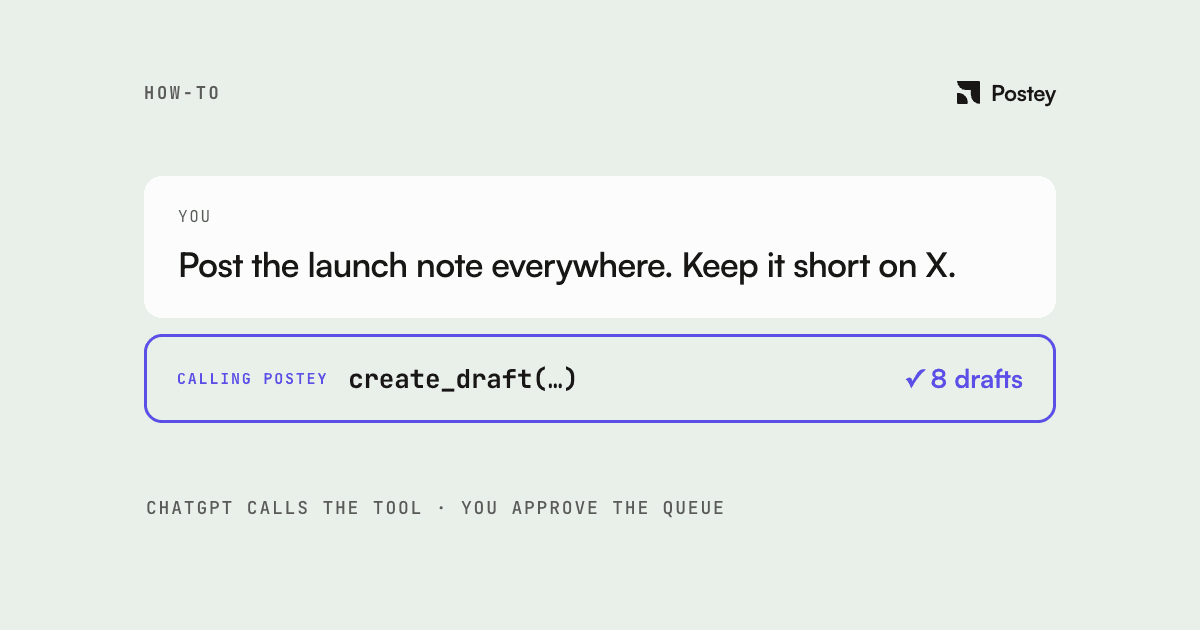
- Once connected, ChatGPT can see your Postey accounts and drafts. Describe what you want posted in the same conversation you already use for ideas.
What the workflow actually looks like
You stop filling composer fields and start describing an outcome. A few real prompts:
- "I just published a new video: write a YouTube description, an X thread, and a LinkedIn post about it, and schedule all three for tomorrow morning."
- "Take this list of five ideas and draft a week of posts across my connected platforms, spaced out on weekday mornings."
- "Show me what's scheduled this week and suggest a caption for the empty Thursday slot."
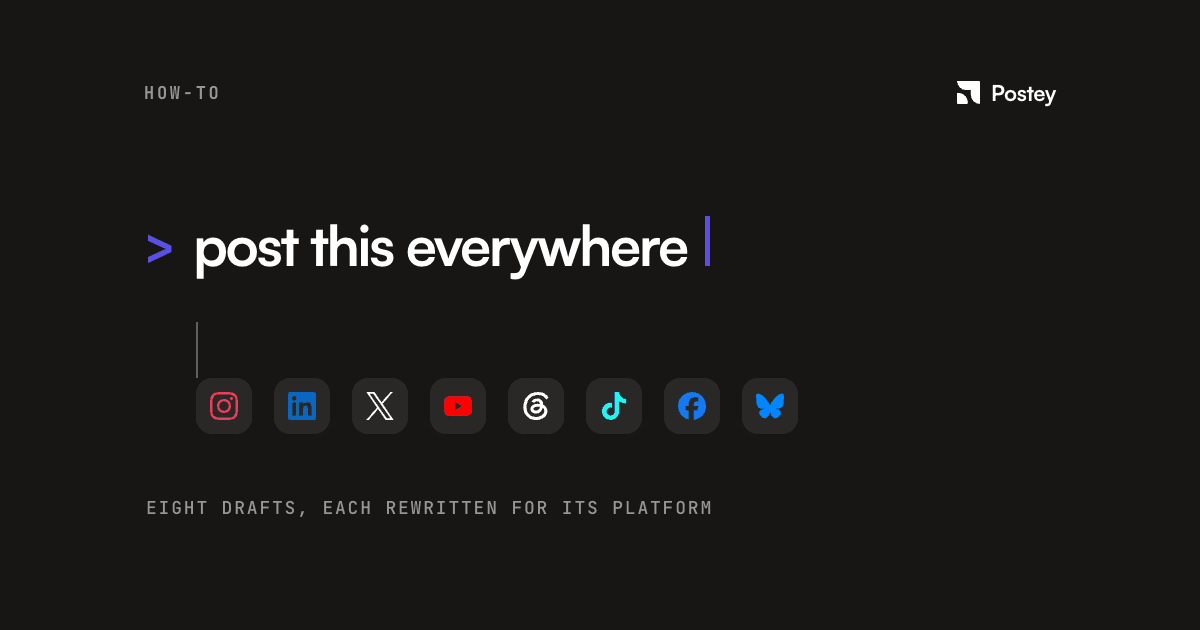
One draft goes in; a version tailored to each platform's length, tone, and format comes out. You are not writing the same post eight times or hoping a copy-pasted caption reads naturally on a network it was never written for.
Publishing still needs your yes
ChatGPT can draft and queue content through Postey's MCP server, but nothing goes live without your confirmation. The confirmation step is on purpose: an agent acting on your behalf should not also decide, unsupervised, what gets published under your name.
Why this is worth setting up
- You already open ChatGPT to brainstorm. This removes the copy-paste into a separate scheduler.
- Repurposing one piece of content into several platform-native posts becomes a single conversation instead of eight tabs.
- Checking your schedule or queue becomes a question you ask, not a calendar you navigate.
The setup takes about five minutes, once. After that, the composer disappears into the conversation you were already having.