Connect Postey's MCP server once, and publishing to eight platforms becomes a sentence in a Claude conversation instead of eight separate composer windows. The full setup takes about five minutes. Here's every step.
MCP is the open standard that makes it possible: Postey ships its own MCP server, so Claude can draft, adapt, and schedule a post across your connected accounts without you ever opening the Postey app.
What you need before you start
- A Postey account with at least one social account connected. The Free plan works: 1 account, 15 posts a month.
- Access to Claude with connector support: claude.ai on a plan that supports connectors, the Claude desktop app, or Claude Code.
Connecting Postey's MCP server to Claude
- In Claude, open your connector or MCP settings. In claude.ai this lives under Settings; in Claude Code it's added via your MCP configuration.
- Add Postey as a connector. You'll be prompted to authorize the connection: the same one-time login you'd give any app, not a password shared directly with Claude.
- Once connected, Claude can see your accounts, drafts, and schedule, and you can just describe what you want posted.
What you can actually say to it
This is the part that feels different from any composer you've used before. You're not filling in fields; you're describing an outcome:
- "Draft a post about our new feature launch and schedule it across X, LinkedIn, and Instagram for tomorrow at 9am."
- "Turn this blog post into a Threads thread and an X thread, and put both in my queue for review."
- "What's scheduled on my calendar this week? Fill any open weekday slot with a repost of my best-performing post from last month."
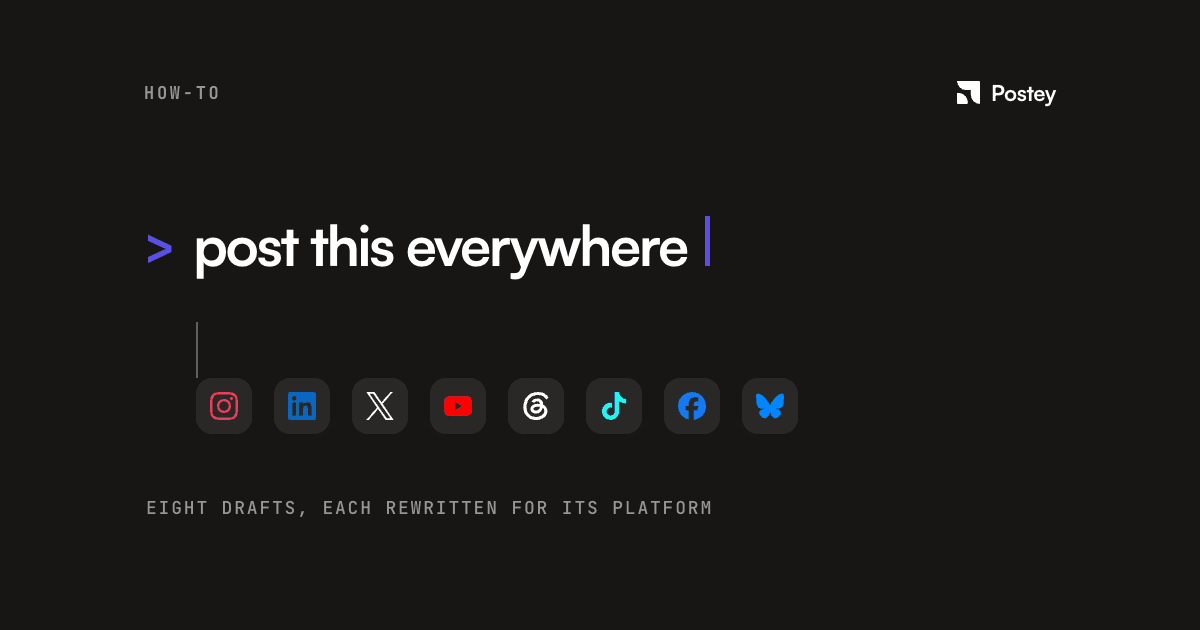
Postey adapts a single draft per platform: short and punchy for X, more context for LinkedIn, the caption format Instagram actually rewards. You're not copy-pasting one post eight times and hoping it reads naturally everywhere.
The part that stays a human decision, on purpose
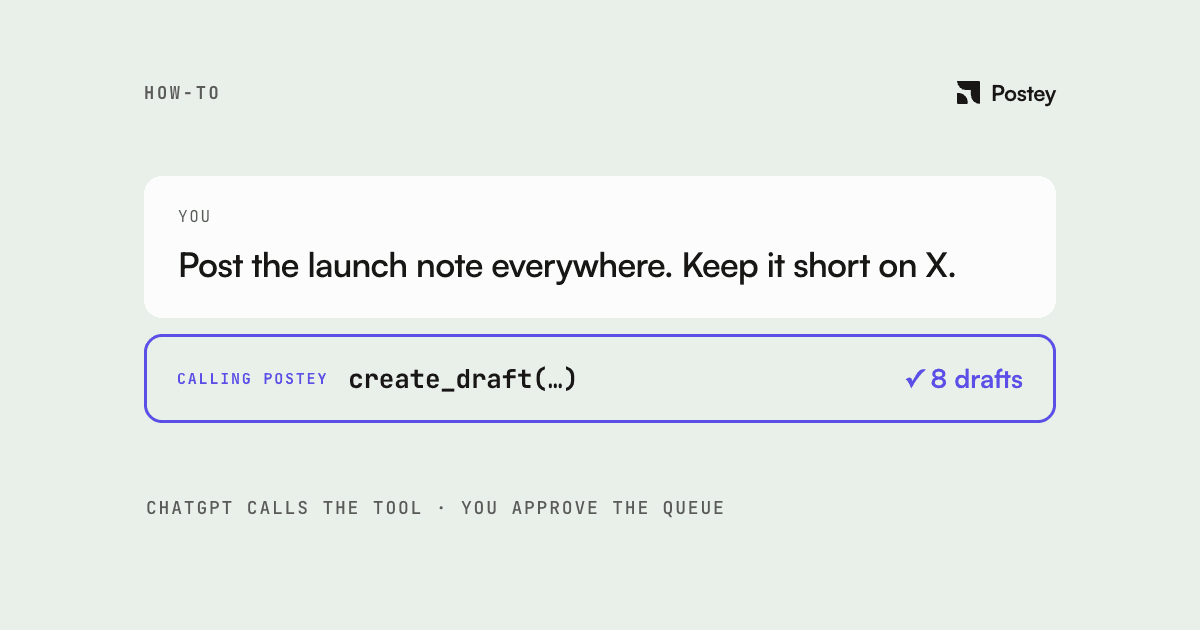
Every MCP-connected scheduler worth using, Postey included, keeps a confirmation step before anything publishes. Claude drafts and queues; you approve what goes live. An agent that can act on your behalf shouldn't also decide, unsupervised, what gets published under your name.
Where this is actually worth using
- Turning a long piece of content (a blog post, a video transcript) into platform-native posts in one conversation instead of eight drafting sessions.
- Filling a week's queue from a rough list of ideas, letting Claude ask clarifying questions rather than staring at a blank composer.
- Asking about your schedule and performance in plain English instead of digging through a calendar view.
The setup takes about five minutes once. After that, the composer disappears into the conversation you're already having. Try it on your own accounts.