X Premium is no longer sold on its own. Since October 12, 2026, new subscribers get X Premium benefits through The X Subscription, one plan that bundles X, Grok and Cursor. There are five individual tiers: Free, Plus ($8 a month), Premium ($30), Super ($100) and Ultra ($200). If you already pay for X Premium, nothing changes unless you choose to switch.
X Premium prices in 2026
These are xAI's list prices. Annual billing is cheaper on every paid tier, and tax is added on top where it applies.
- Free: $0. Standard X, with limited Grok and Cursor usage.
- Plus: $8 a month, or $80 a year (about $7 a month).
- Premium: $30 a month, or $300 a year (about $25 a month). 4x the AI usage of Plus.
- Super: $100 a month, or $1,000 a year (about $84 a month). 15x the AI usage of Plus.
- Ultra: $200 a month, or $2,000 a year (about $167 a month). 50x the AI usage of Plus.
The usage multiplier is about AI, not about X. It sets the size of a weekly pool that Grok and Cursor draw from, and it refreshes every week.
What X Premium gives you on X
X benefits switch on once you connect a personal X account to the subscription. Accounts managed by an organization, including affiliate accounts, cannot be connected. Every paid tier, starting at Plus, includes:
- The Premium checkmark
- Edit posts, longer posts and Articles
- Advanced Analytics and Media Studio
- Get paid to post, and Creator Subscriptions
- Reply boost and Radar Search
- Bookmark folders, the Highlights tab and the option to create communities
- Video downloads, offline videos and background playback
- Fewer ads: ad-free scrolling on some surfaces
Premium and above add three things on X: ad-free scrolling on most surfaces, a preferred @handle and a higher reply boost. Premium, Super and Ultra are identical on X. Paying $100 or $200 instead of $30 buys more AI usage, not a better X account.
X Premium vs Premium+: how the old tiers map
The old names do not line up with the new ones, which is the main source of confusion:
- Old X Premium maps to Plus, at the same $8 a month.
- Old X Premium+ maps to Premium or higher. X's own guidance is to choose Premium or above if you want to keep your Premium+ benefits.
So "Premium" now means the $30 tier, which carries what used to be called Premium+. Keep that in mind when you read older guides.
Grok and Cursor in the bundle
- Every paid tier includes Grok Chat, Voice, Imagine and Build, Grok API access and Cursor. API usage is billed separately at standard model rates.
- Premium and above add Grok Bot, video generation, and Cursor's cloud agents and code reviews.
- Grok and Cursor share one weekly usage pool. When it runs out you can buy top-ups or wait for the weekly refresh.
- Third-party models in Cursor, such as Claude or GPT, are not included. They are billed at API list prices from the first use.
Do existing X Premium subscribers have to switch?
No. Your current plan, price and features continue unless you change or cancel them. If you do switch:
- The switch is permanent. Support cannot undo it.
- Your old X Premium or Premium+ subscription is cancelled at checkout and the unused time is refunded separately. The new plan is charged at full price and a new billing cycle starts that day.
- If you pay through the Apple App Store, xAI asks Apple to refund the unused time and Apple decides. If you pay through Google Play, check that the old subscription is no longer set to renew.
How to switch from X Premium
If you do not pay for Cursor, you can switch straight from X:
- On x.com, open your subscription settings and choose the option to upgrade.
- Pick Plus, Premium, Super or Ultra.
- Sign in to a Grok account if you are asked to add one.
- Review the plan and finish checkout on x.com.
If you already pay for Cursor, start at cursor.com/unify instead so your Cursor account is combined with your X account. xAI's guide for X Premium customers moving to The X Subscription has the full steps.
Getting paid on X in 2026
Creator Revenue Sharing, the ad-revenue program that needed 5 million impressions in three months, is gone. X stopped taking new enrollments on August 7, 2026 and ended it on September 7. Its replacement is Original Content Rewards, which pays for original posts and discounts reposts, aggregation and lightly edited copies.
As reported at launch, Original Content Rewards asks for:
- An eligible paid X tier
- At least 500 verified followers
- At least 500,000 Home Timeline impressions from verified users in the last 90 days
- Being 18 or older, in an eligible country, with an account in good standing
Anyone who was in Revenue Sharing has to apply again; nobody moved over automatically. Payouts are reported to run every two weeks with a $30 minimum. Check the requirements in X's Help Center before you plan around them, because X has changed them more than once.
Team plans
Teams can buy Premium seats at $30, Super at $100 and Ultra at $200, and mix tiers on one team. Each member gets X benefits by connecting their own personal X account. Plus is not available for teams.
Is X Premium worth it in 2026?
- You post rarely and do not care about the checkmark: stay on Free.
- You want the checkmark, editing, analytics and the creator tools: Plus at $8 already includes them.
- You want the old Premium+ experience, fewer ads and a preferred handle, or you use Grok and Cursor for real work: Premium at $30. Go higher only if you keep running out of AI usage.
- You already pay for X Premium and are happy with it: you can stay put. Switching is optional and cannot be undone.
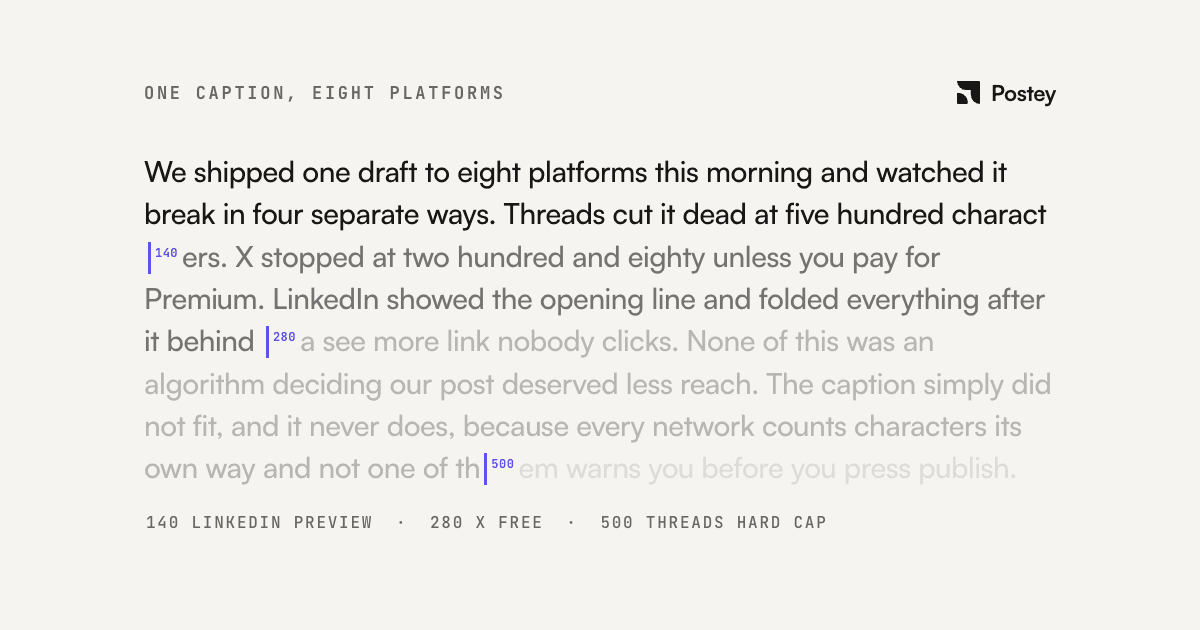
Whichever tier you pick, what grows an X account is the same: posting consistently, in a format that fits. See what X's algorithm actually rewards, how Postey and Hootsuite compare for X scheduling, and why one caption breaks on X's 280-character limit.
Sources: xAI's pricing page, its X Subscription pricing and overview docs, and X's announcements on Creator Revenue Sharing and Original Content Rewards.