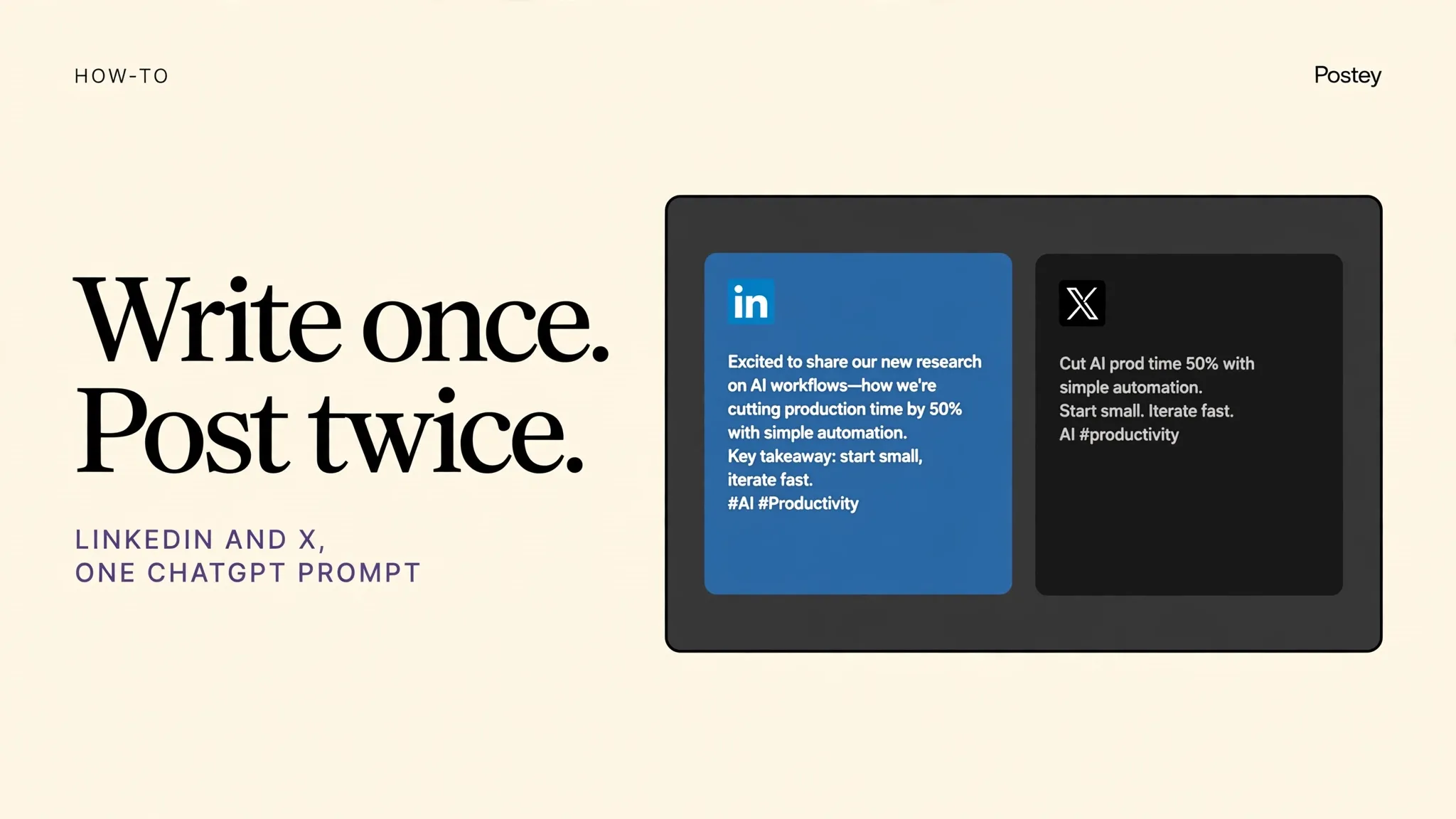
For most founders, LinkedIn plus X is the entire distribution engine. Write once in ChatGPT, get a proper LinkedIn post and a proper X post, schedule both in one line.
The problem this page answers
- The same text pasted to both platforms performs badly on both
- Writing a long LinkedIn version and a tight X version doubles the work for every single idea
- So you post on one, skip the other, and halve your reach for no good reason
What changes with Postey
- One prompt produces two native versions, long for LinkedIn, tight for X
- Schedule them together, or stagger them by hours to catch two audiences
- Add Instagram or Threads later in the same workflow when you are ready
Try these prompts
Copy one into Claude or ChatGPT after setup. Notice the pattern: name Postey, name the platforms, name the time.
Use Postey to schedule this for LinkedIn and X tomorrow at 9am. Full version for LinkedIn, under 280 characters for X.Use Postey to turn this X thread into a LinkedIn post and schedule the LinkedIn version for Thursday.Use Postey to publish this to X now and schedule the LinkedIn version for tomorrow morning.MCP setup in 2 minutes
The Postey MCP URL:
https://mcp.postey.ai/mcpWith Claude
- Create a free Postey account and connect the social accounts you want to publish to. About 60 seconds.
- In Claude, go to Settings, then Connectors, then Add custom connector. Paste the Postey MCP URL below.
- Click Connect and authorize Postey when Claude asks. You will see Postey tools appear in Claude.
- Type a publishing prompt, like the examples on this page. Claude calls Postey and your post is scheduled or live.
With ChatGPT
- Create a free Postey account and connect the social accounts you want to publish to. About 60 seconds.
- In ChatGPT, go to Settings, then Apps and Connectors, then Create or Add. Paste the Postey MCP URL below.
- Connect and authorize Postey when ChatGPT asks. Postey will be available in your chats.
- Type a publishing prompt, like the examples on this page. ChatGPT calls Postey and your post is scheduled or live.
9 platforms, one prompt
X, LinkedIn, Instagram, Threads, Bluesky, Facebook, TikTok, YouTube, Pinterest. Connect the ones you use now. You can add the rest later without redoing setup.
Free plan: 1 brand, 15 posts per network per 30 days. No card required. Works with Claude and ChatGPT.
Your next post could already be everywhere.
Create your free Postey account, connect one social account, add the MCP connector, and publish your first multi platform post today.