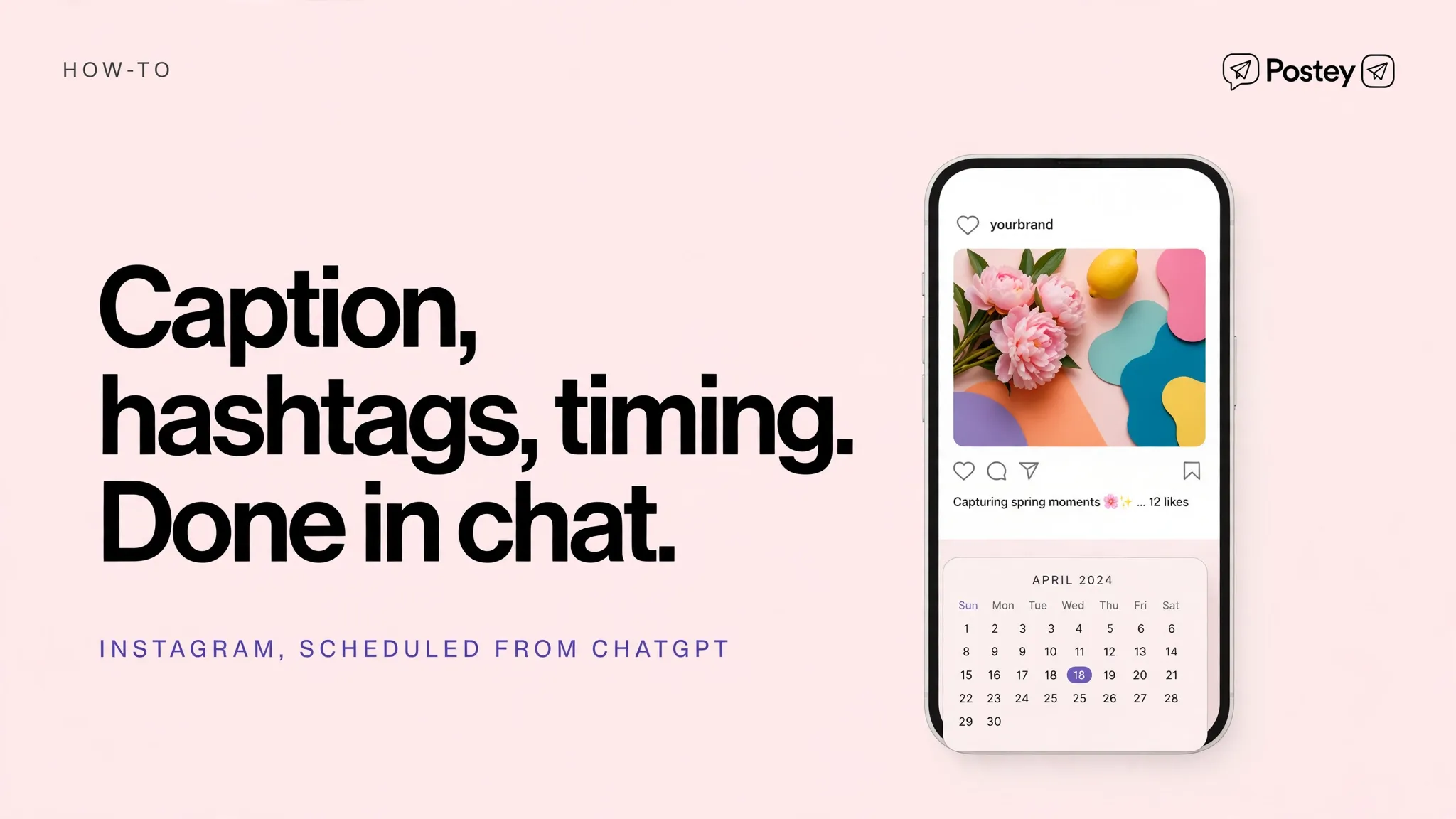
Caption, hashtags, timing, all decided in ChatGPT. Then instead of screenshotting it to your phone, just tell ChatGPT to schedule it in Postey and it is done.
The problem this page answers
- Instagram scheduling usually means a phone, a notes app, and a reminder you ignore
- You write great captions in ChatGPT, then lose them moving between apps
- Posting at the right time should not require you to be free at that exact time
What changes with Postey
- Go from caption to scheduled post in the same ChatGPT conversation
- Schedule days ahead in one sitting, then forget about it
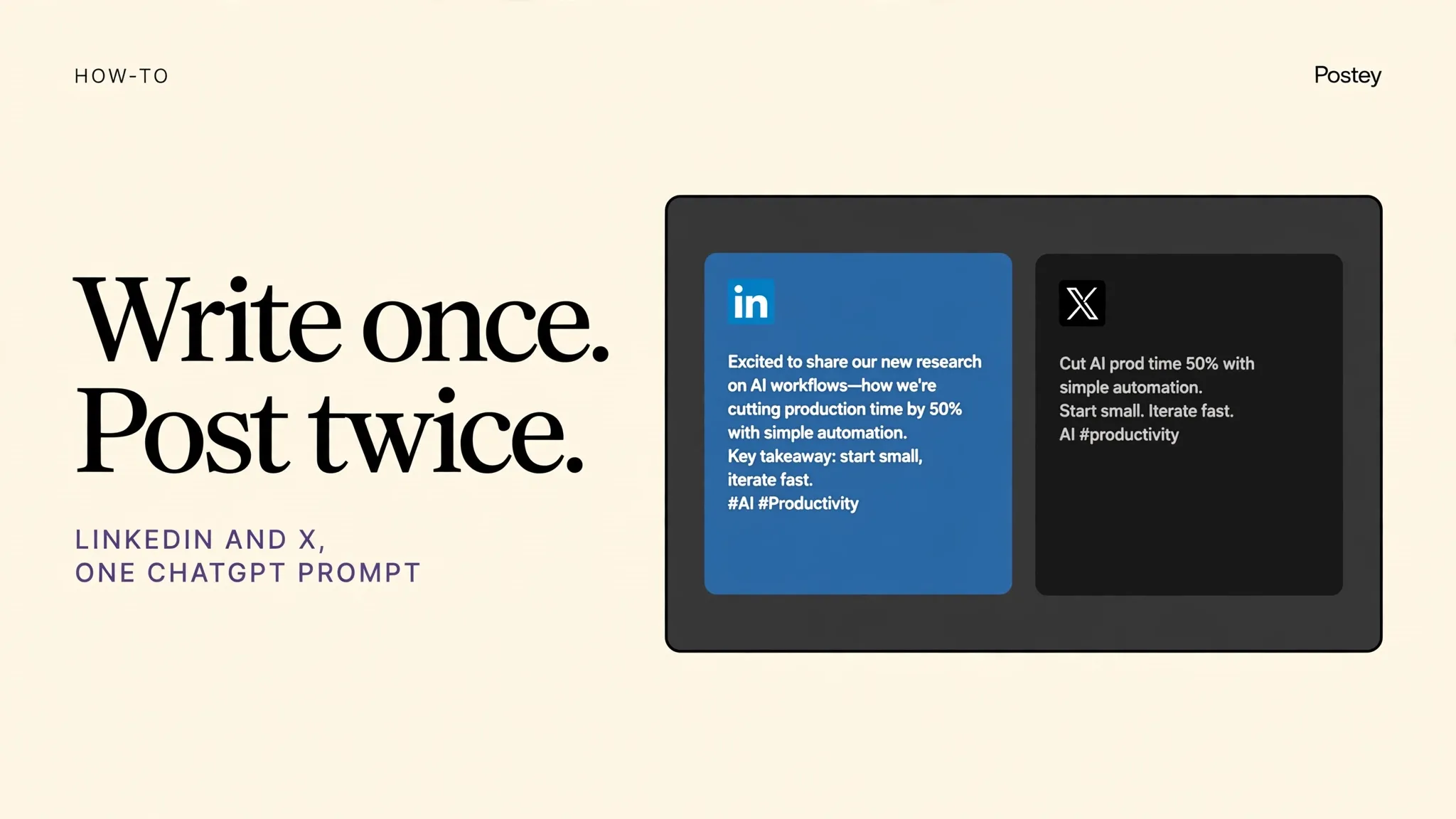
- Pair Instagram with Threads in the same prompt for double reach from one idea
Try these prompts
Copy one into Claude or ChatGPT after setup. Notice the pattern: name Postey, name the platforms, name the time.
Use Postey to schedule this Instagram caption for tomorrow at 8pm. Add a Threads version in the same schedule.Use Postey to schedule 5 Instagram posts for next week from these ideas, Mon to Fri at 7pm.Use Postey to publish this Instagram post now and tell me once it is live.MCP setup in 2 minutes
The Postey MCP URL:
https://mcp.postey.ai/mcpWith Claude
- Create a free Postey account and connect the social accounts you want to publish to. About 60 seconds.
- In Claude, go to Settings, then Connectors, then Add custom connector. Paste the Postey MCP URL below.
- Click Connect and authorize Postey when Claude asks. You will see Postey tools appear in Claude.
- Type a publishing prompt, like the examples on this page. Claude calls Postey and your post is scheduled or live.
With ChatGPT
- Create a free Postey account and connect the social accounts you want to publish to. About 60 seconds.
- In ChatGPT, go to Settings, then Apps and Connectors, then Create or Add. Paste the Postey MCP URL below.
- Connect and authorize Postey when ChatGPT asks. Postey will be available in your chats.
- Type a publishing prompt, like the examples on this page. ChatGPT calls Postey and your post is scheduled or live.
9 platforms, one prompt
X, LinkedIn, Instagram, Threads, Bluesky, Facebook, TikTok, YouTube, Pinterest. Connect the ones you use now. You can add the rest later without redoing setup.
Free plan: 1 brand, 15 posts per network per 30 days. No card required. Works with Claude and ChatGPT.
Your next post could already be everywhere.
Create your free Postey account, connect one social account, add the MCP connector, and publish your first multi platform post today.