Stop opening nine tabs to post the same idea nine times. Connect Postey to Claude once, tell Claude what to publish and where, and Postey handles the publishing to every account for you.
The problem this page answers
- You write in Claude, then copy and paste into X, LinkedIn, Instagram and everywhere else by hand
- Each platform wants a different format, so one idea turns into an hour of reformatting
- Claude can write brilliantly, but on its own it cannot publish anything
What changes with Postey
- One prompt publishes to X, LinkedIn, Instagram, Threads, Bluesky, Facebook, TikTok, YouTube and Pinterest
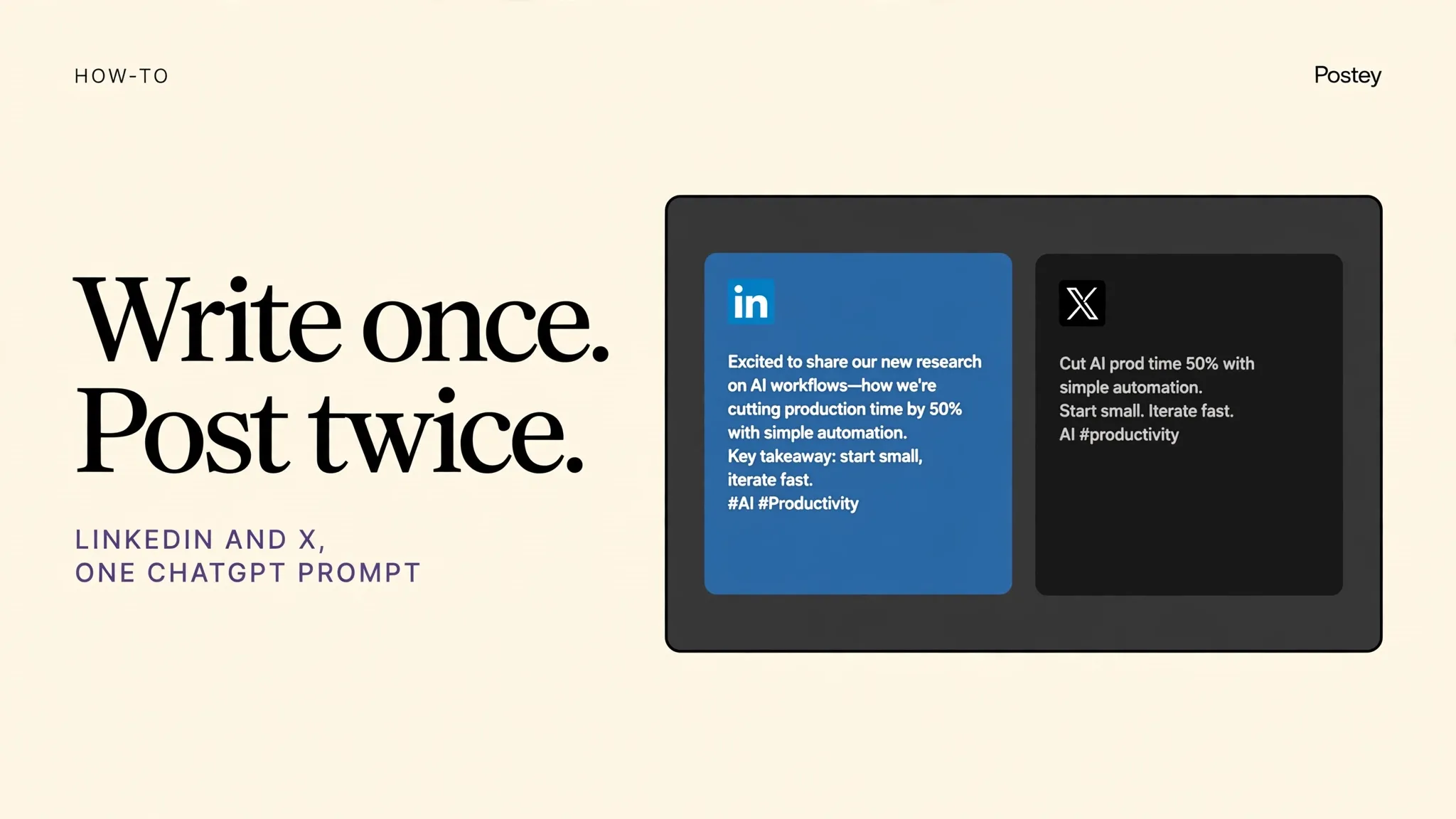
- Claude adapts the copy per platform while you stay in control of the idea and the final call
- Manage one brand with multiple accounts without a separate scheduler login for each one
Try these prompts
Copy one into Claude or ChatGPT after setup. Notice the pattern: name Postey, name the platforms, name the time.
Use Postey to publish this launch note to LinkedIn, X and Instagram today at 4pm. Make the LinkedIn version more detailed and the X version under 280 characters.Use Postey to turn this draft into posts for all my connected accounts and schedule them for tomorrow at 9am IST.Show me what I have scheduled in Postey this week, then move the Instagram post to Friday.MCP setup in 2 minutes
The Postey MCP URL:
https://mcp.postey.ai/mcpWith Claude
- Create a free Postey account and connect the social accounts you want to publish to. About 60 seconds.
- In Claude, go to Settings, then Connectors, then Add custom connector. Paste the Postey MCP URL below.
- Click Connect and authorize Postey when Claude asks. You will see Postey tools appear in Claude.
- Type a publishing prompt, like the examples on this page. Claude calls Postey and your post is scheduled or live.
With ChatGPT
- Create a free Postey account and connect the social accounts you want to publish to. About 60 seconds.
- In ChatGPT, go to Settings, then Apps and Connectors, then Create or Add. Paste the Postey MCP URL below.
- Connect and authorize Postey when ChatGPT asks. Postey will be available in your chats.
- Type a publishing prompt, like the examples on this page. ChatGPT calls Postey and your post is scheduled or live.
9 platforms, one prompt
X, LinkedIn, Instagram, Threads, Bluesky, Facebook, TikTok, YouTube, Pinterest. Connect the ones you use now. You can add the rest later without redoing setup.
Free plan: 1 brand, 15 posts per network per 30 days. No card required. Works with Claude and ChatGPT.
Your next post could already be everywhere.
Create your free Postey account, connect one social account, add the MCP connector, and publish your first multi platform post today.