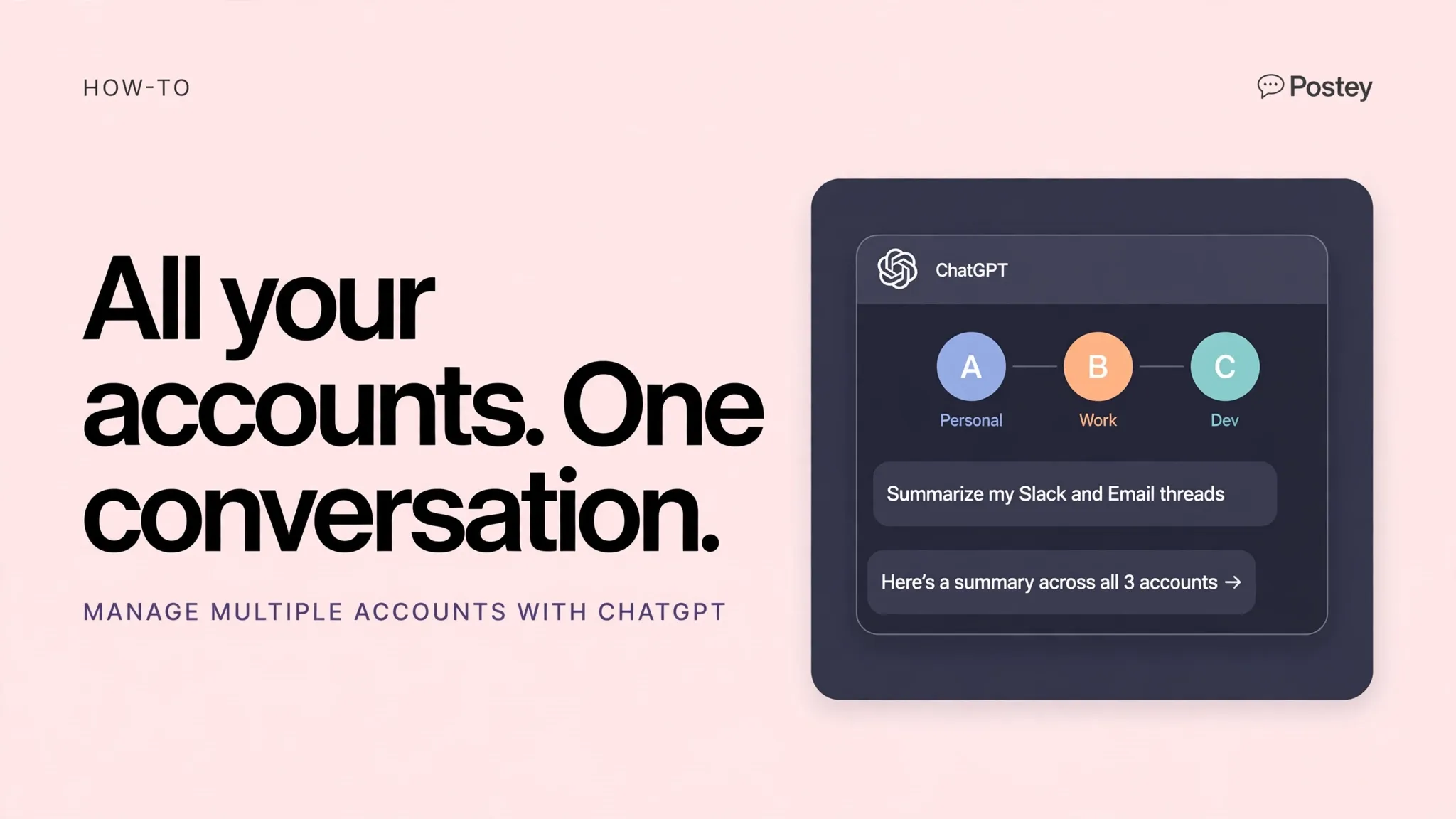
Personal brand on X, company page on LinkedIn, product account on Instagram. Keep it all in one ChatGPT thread and let Postey route each post to the right place.
The problem this page answers
- Every account lives in a different app, so context switching eats your day
- You re explain your brand voice in every tool, every time
- Delegating to ChatGPT feels risky when there is no clear publish and confirm step
What changes with Postey
- One conversation, every account. Name the platform and brand in plain language
- ChatGPT holds the context, Postey executes the publish and confirms it
- Works for solo founders and for small teams handling client accounts
Try these prompts
Copy one into Claude or ChatGPT after setup. Notice the pattern: name Postey, name the platforms, name the time.
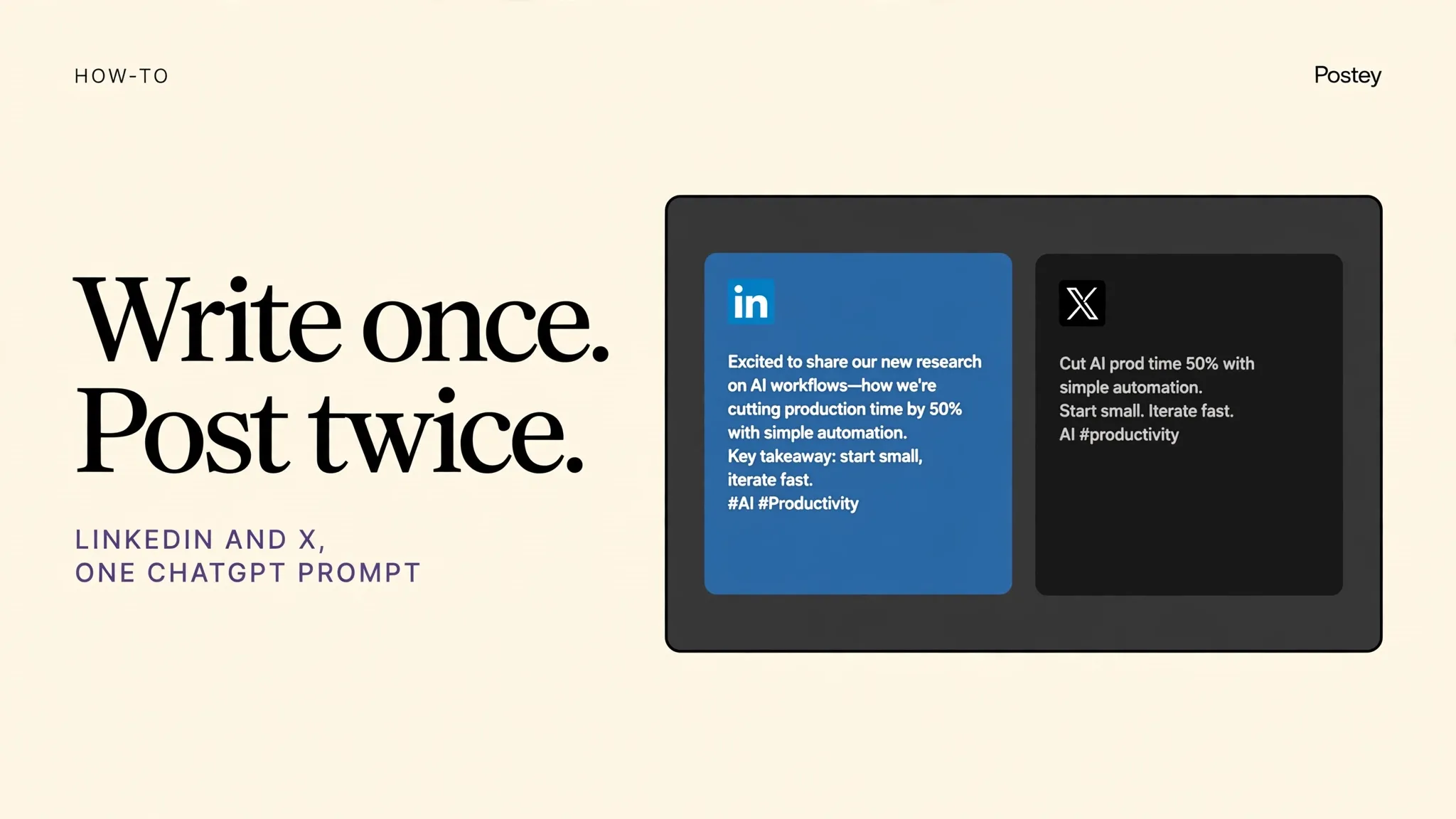
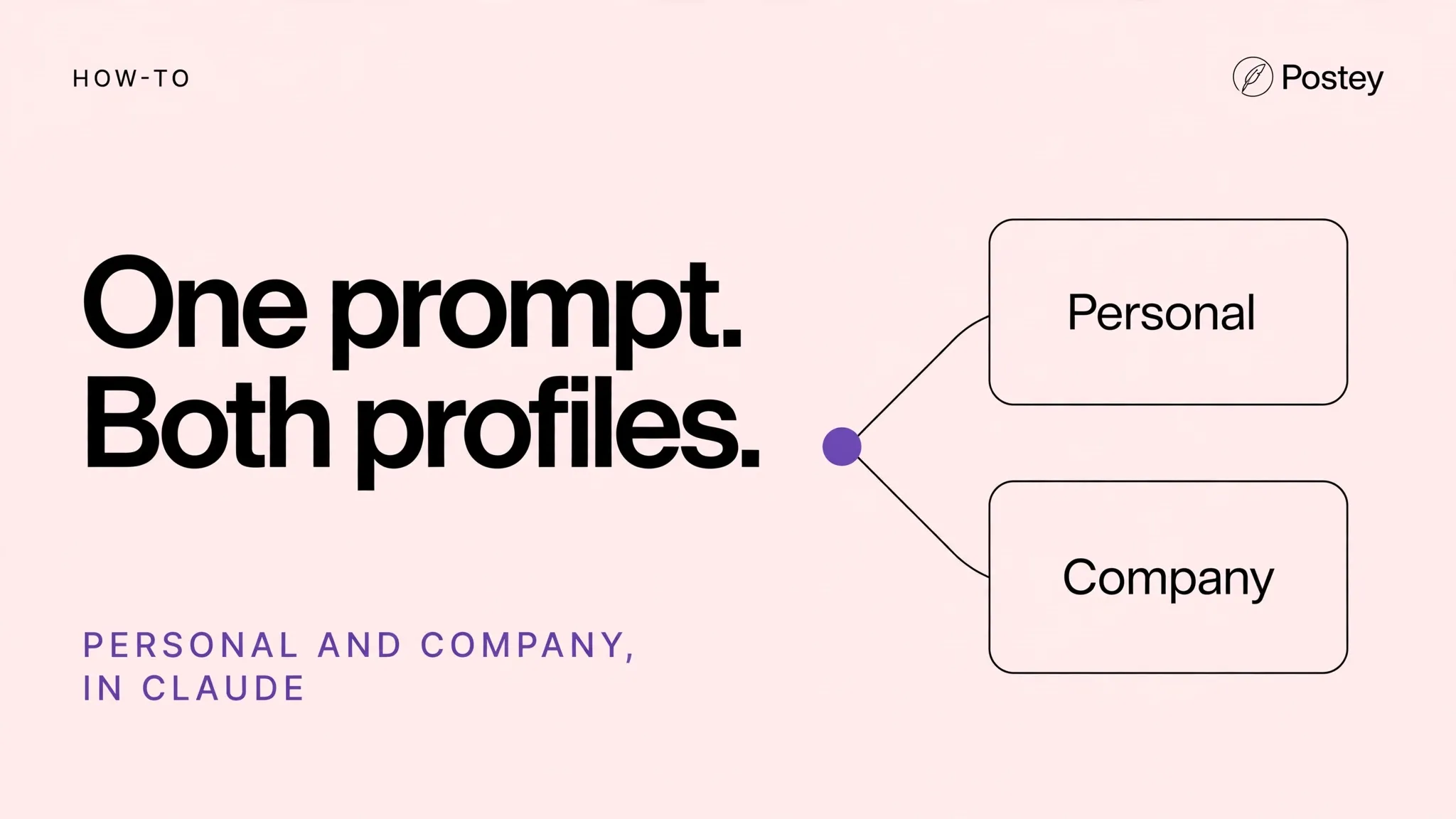
Use Postey to publish this announcement to the company LinkedIn page and my personal X account, with a shorter version for X.Use Postey to schedule client posts for this week from this doc, one platform per client as listed.Use Postey to list all my connected accounts and what is scheduled for each one today.MCP setup in 2 minutes
The Postey MCP URL:
https://mcp.postey.ai/mcpWith Claude
- Create a free Postey account and connect the social accounts you want to publish to. About 60 seconds.
- In Claude, go to Settings, then Connectors, then Add custom connector. Paste the Postey MCP URL below.
- Click Connect and authorize Postey when Claude asks. You will see Postey tools appear in Claude.
- Type a publishing prompt, like the examples on this page. Claude calls Postey and your post is scheduled or live.
With ChatGPT
- Create a free Postey account and connect the social accounts you want to publish to. About 60 seconds.
- In ChatGPT, go to Settings, then Apps and Connectors, then Create or Add. Paste the Postey MCP URL below.
- Connect and authorize Postey when ChatGPT asks. Postey will be available in your chats.
- Type a publishing prompt, like the examples on this page. ChatGPT calls Postey and your post is scheduled or live.
9 platforms, one prompt
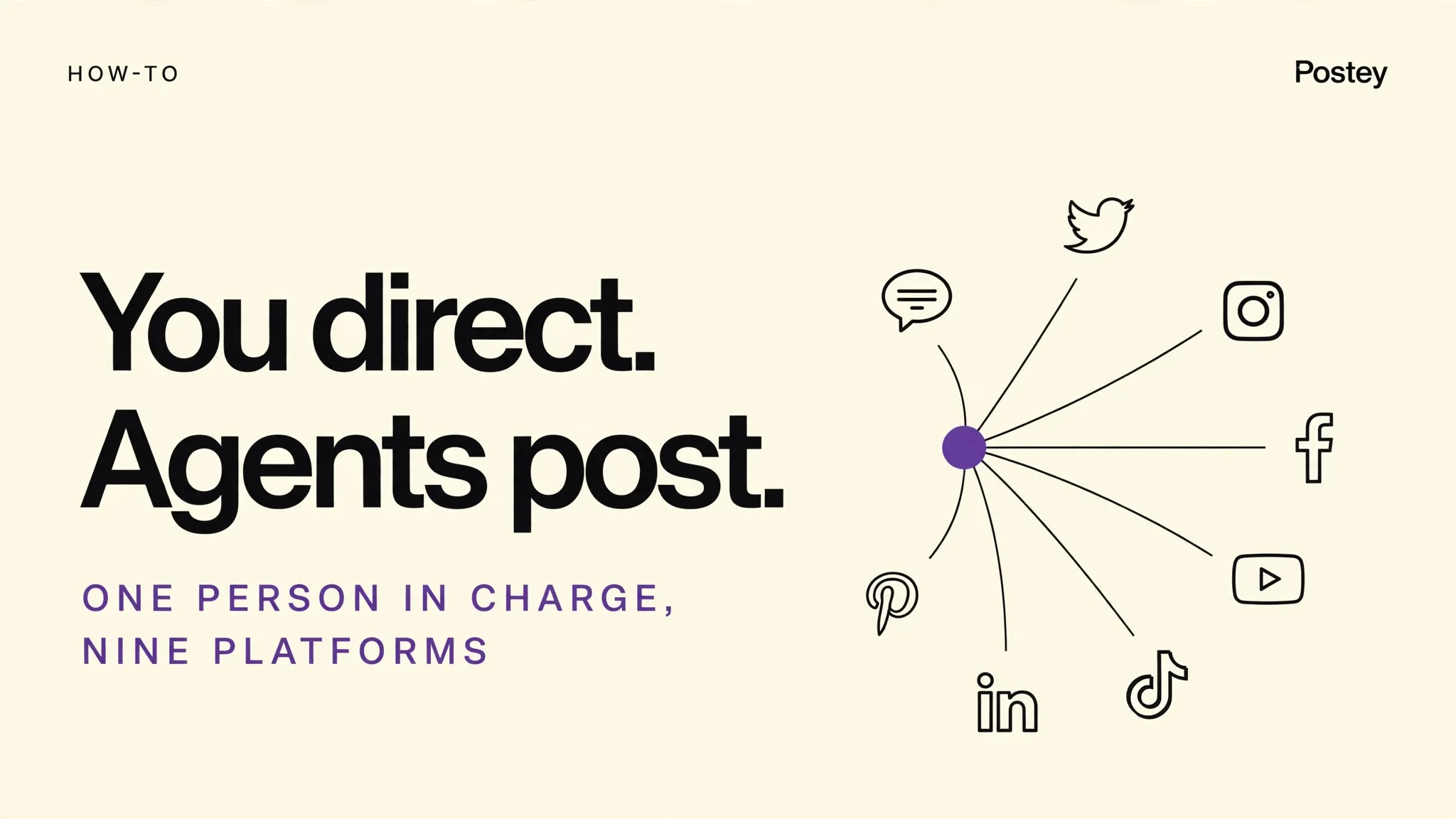
X, LinkedIn, Instagram, Threads, Bluesky, Facebook, TikTok, YouTube, Pinterest. Connect the ones you use now. You can add the rest later without redoing setup.
Free plan: 1 brand, 15 posts per network per 30 days. No card required. Works with Claude and ChatGPT.
Your next post could already be everywhere.
Create your free Postey account, connect one social account, add the MCP connector, and publish your first multi platform post today.