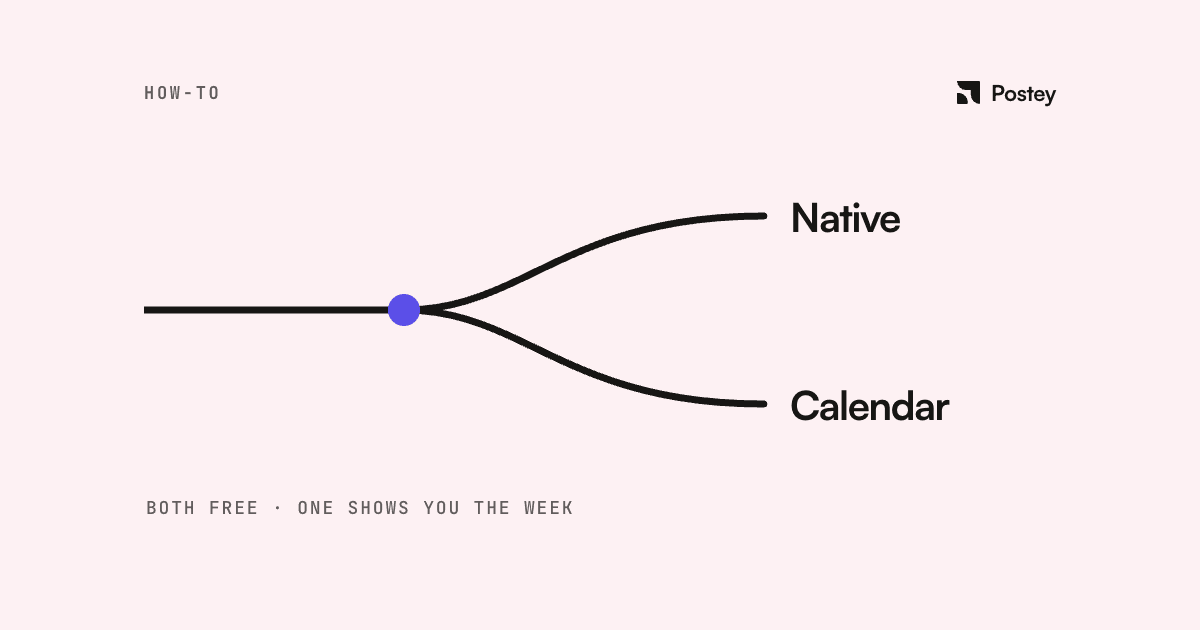
Most how-tos open with a confident workflow. This one opens with a disclaimer: Threads' native scheduling is murky in 2026, and the murkiness is the most useful thing to know before you plan around it.
What's settled history
Meta added native scheduling in the Threads app in August 2024: tap the three-dot menu on a new post, choose Schedule, pick a time. The third-party Threads API launched around the same time.
What trade coverage says is current
A March 2026 guide built from live screenshots describes native scheduling as working: three-dot menu, Schedule, pick a date and time. It calls the feature basic: no bulk scheduling, no shared calendar, no analytics tie-in, and polls and quizzes still go live. The same source says Meta Business Suite doesn't support Threads scheduling, despite handling Facebook and Instagram, contradicting several 2026 articles that claim otherwise.
What we found checking today
Asked directly, Meta's live support assistant said: "You can schedule Instagram posts and Reels for public accounts, but there is currently no option to schedule threads on Threads." A live search of the Instagram and Threads Help Center turns up no Threads scheduling article, only a "save a draft" feature that's manual draft-and-resume, not real scheduling. Real users also report the native scheduler disappearing or behaving inconsistently across 2026.
We can't fully resolve which is true: a working feature as documented in March, or something rolled back or patchy by the time you read this. Check your own three-dot menu before building a workflow.
The API, for what it's actually worth
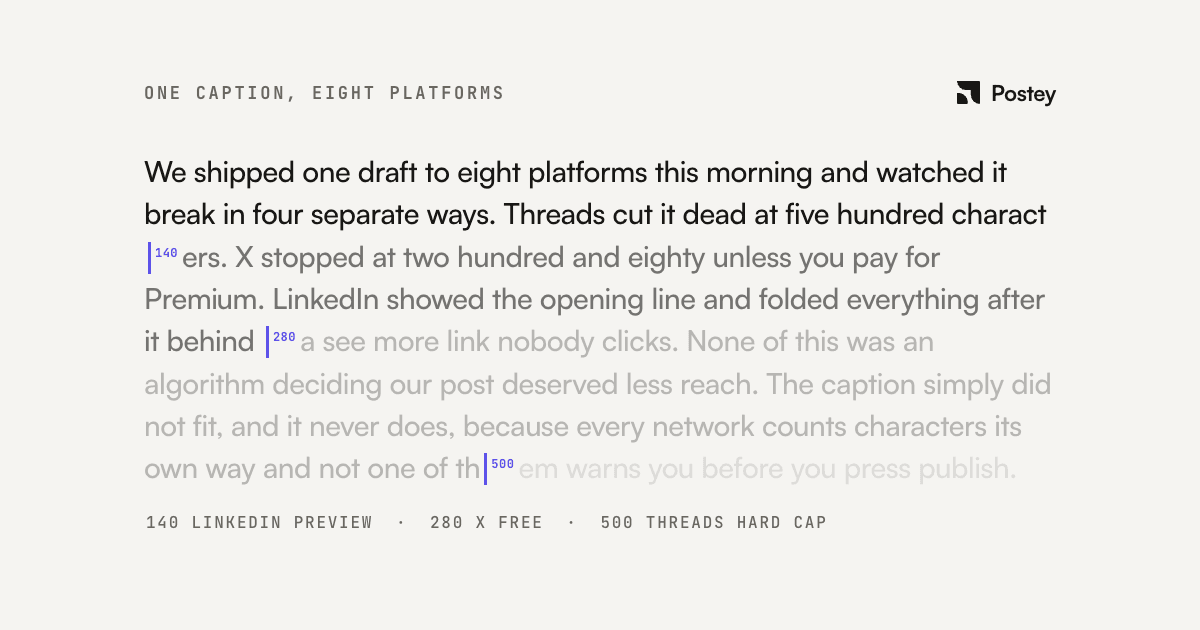
Meta's Threads API docs confirm a 500-character text limit, carousels of 2 to 20 items, images up to 8MB, video up to 5 minutes and 1GB, and a 250-posts-per-rolling-24-hours publish cap. There's no native "schedule" field. Third-party tools implement scheduling client-side, which is how they offer what native scheduling can't: bulk queues, shared calendars, and consistency that doesn't rely on an in-app feature that may not exist.
The Instagram cross-post gotcha
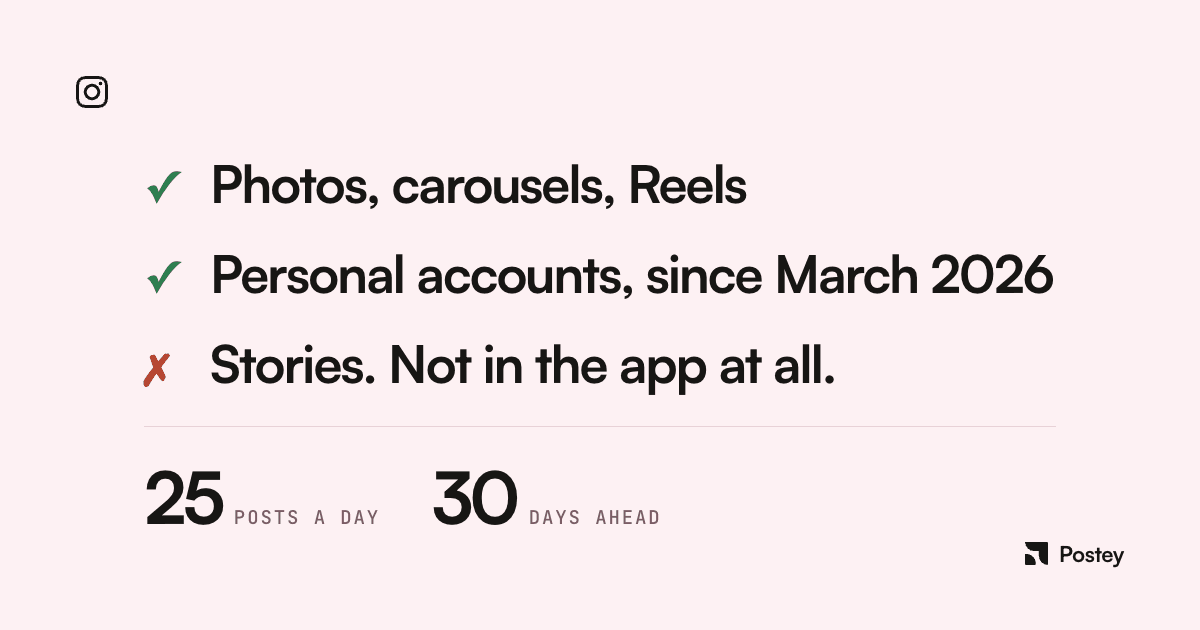
Instagram's "Also share to Threads" toggle only fires on real-time publishes: a scheduled Instagram post won't cross-post to Threads when it goes live. If you want both, schedule them as two posts.
How to get reliable Threads scheduling
- First, check your own composer. Don't take any article's word for whether the feature is there.
- If it's unreliable or missing, use a third-party scheduler built on the Threads API instead of a feature that's been inconsistent across 2026.
- Don't rely on Instagram's "Also share to Threads" toggle for scheduled posts; schedule the Threads version separately.
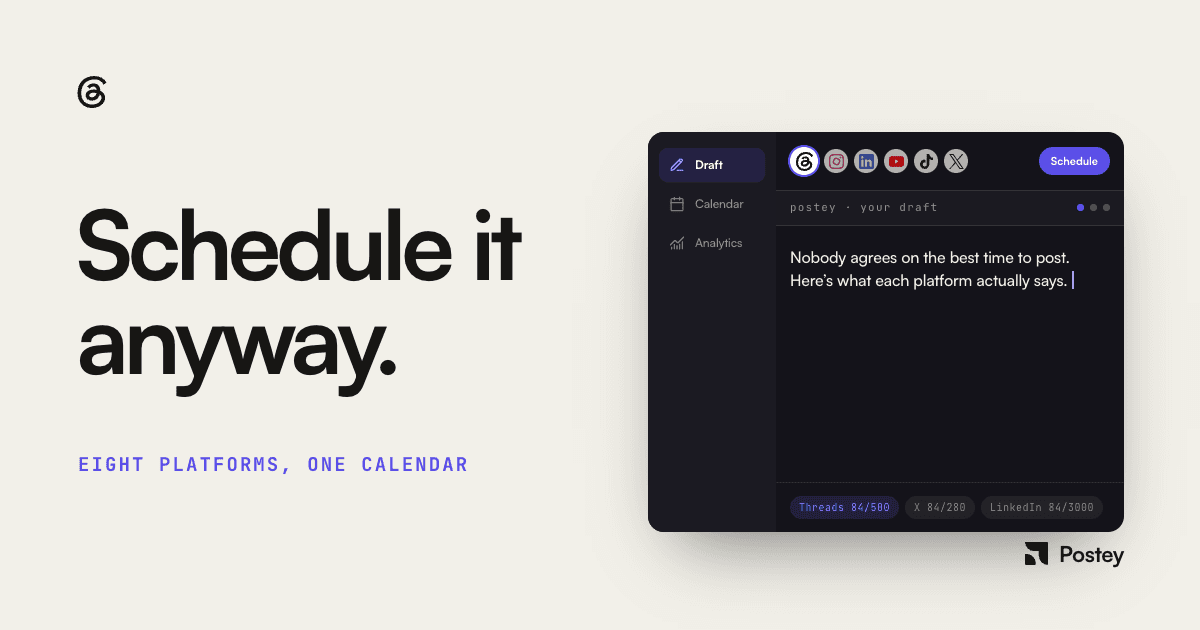
- If you already schedule for other platforms, put Threads in the same queue, not a separate app. Postey schedules Threads alongside seven other platforms from one calendar, so consistency doesn't hinge on whichever feature Meta has live this week.
The honest advice here isn't a confident step-by-step; it's "verify before you build a habit around it." If that's more uncertainty than your schedule can tolerate, use a third-party scheduler on the Threads API.