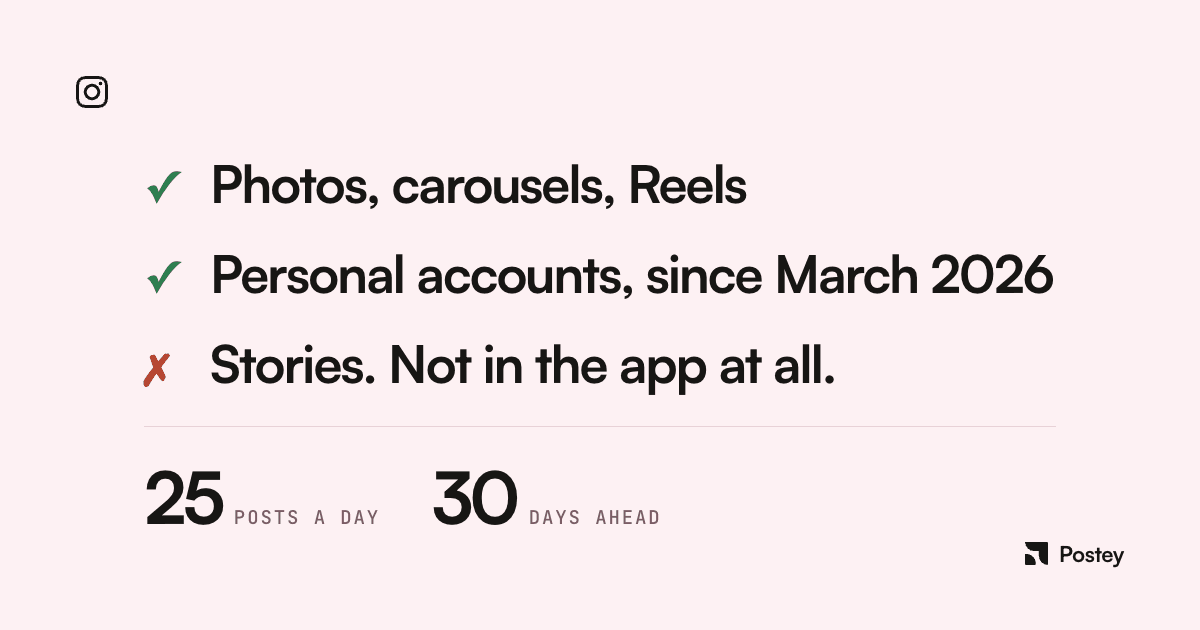
Yes, for feed posts, carousels, and Reels. Since March 2026, you no longer need a Business or Creator account either: a public personal account works. Stories are the one format Instagram still won't schedule in the app.
What Instagram's own help center actually says
Instagram's scheduling article is specific enough to quote directly: public account required; reels, photos, and carousel posts eligible; up to 25 posts a day, 30 days in advance. A widely repeated "75-day window" claim doesn't appear in the current article. Treat it as stale until you check your own account.
Explicitly excluded from native scheduling: product tagging, Collabs, sponsored or branded content, and fundraisers. If you need any of those, you're posting live, not scheduling.
How to actually do it
- Create a new post or Reel as usual: add your media and caption.
- Tap More options, then toggle "Schedule this post/reel."
- Pick your date and time, then tap Schedule.
- Manage what's queued from Profile → Menu → Your insights and tools → Scheduled content, where you can edit, reschedule, delete, or publish early.
Scheduled content keeps the privacy and audience settings it had when you scheduled it. Changing your account privacy afterward doesn't retroactively change an already-scheduled post.
Why Stories are the gap in native scheduling
There's no Instagram help article for scheduling Stories because you can't do it in the app. The workaround is a separate Meta product: Meta Business Suite supports Story scheduling for connected Business or Creator accounts. Two different tools with two different capability sets, not one system with two doors.
When native scheduling isn't enough
Native scheduling is genuinely useful for a single account posting occasionally. It gets thin fast once you're managing more than one account, planning a month at a glance, needing Stories scheduling that works, or turning one draft into versions for other platforms. Postey schedules Instagram alongside seven other platforms from one calendar, with Stories handled the same way as everything else.
Native scheduling is a real, working feature in 2026, just narrower than most guides admit. Know its edges before you build a workflow around it, and move to a third-party tool once you outgrow them.