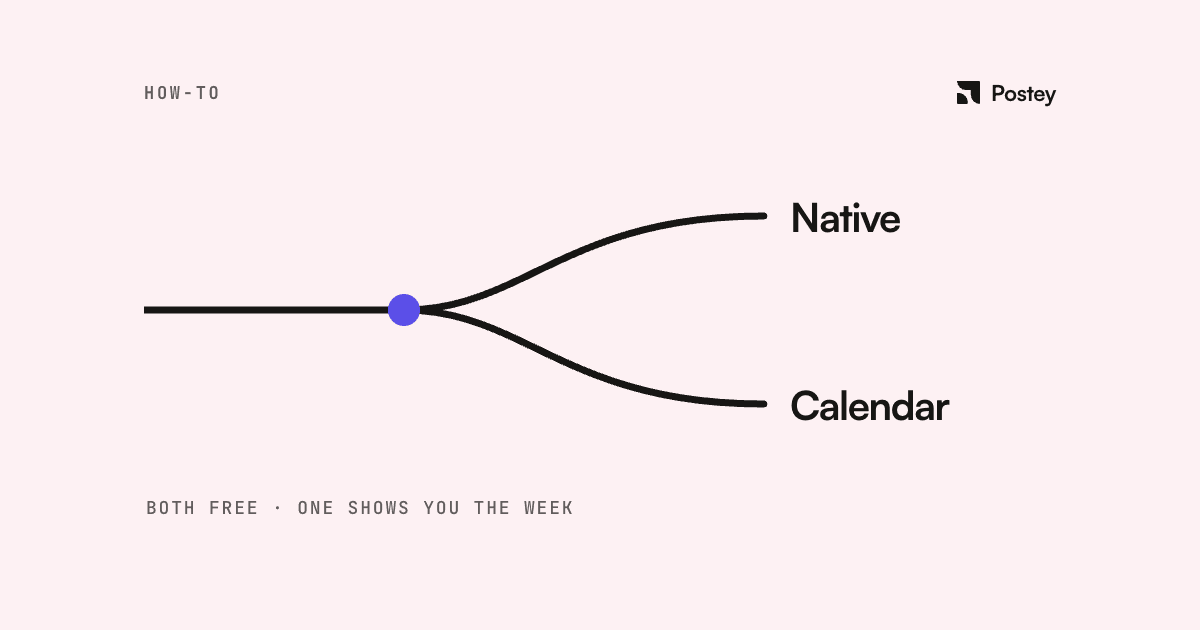
Two ways to schedule Instagram posts for free in 2026: Instagram's built-in scheduler, or a third-party tool with a real free tier. They cover different jobs, and most people only need the second once they've outgrown the first.
Option 1: Instagram's built-in scheduler
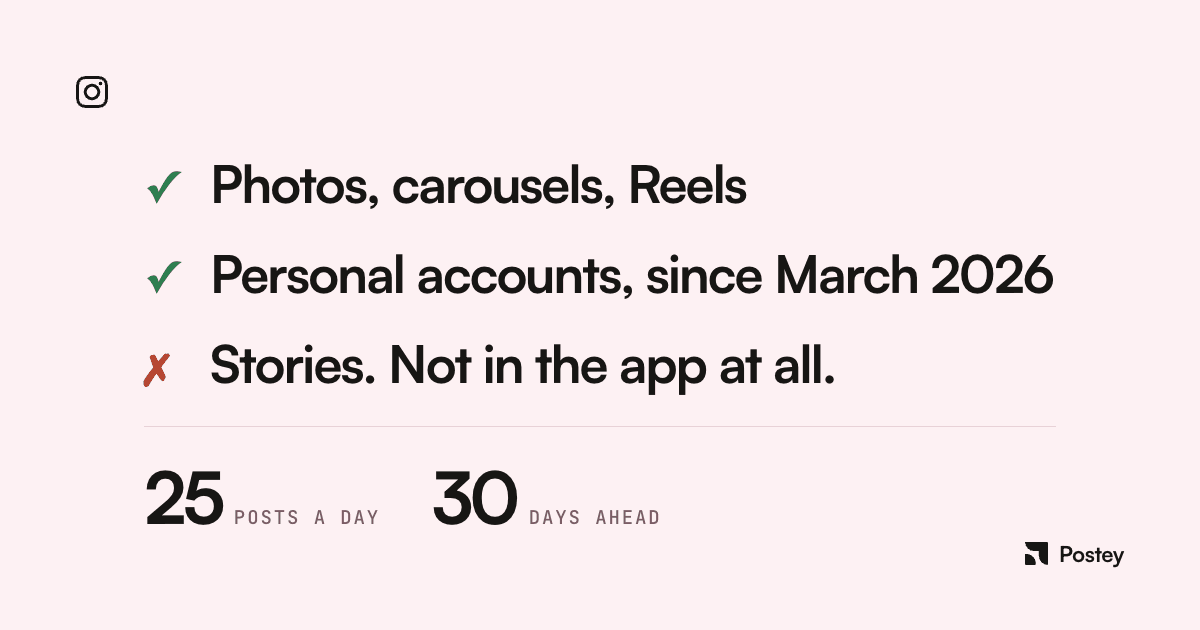
Any public account can schedule feed posts, carousels, and Reels natively, free, up to 25 posts a day and 30 days out. Open the composer, tap More options, flip on Schedule, pick a time. Done.
Limits: Instagram-only, single-account, no calendar view, no bulk upload, no Stories support inside the app. Fine if you post to one account every now and then. It wears thin fast if you post regularly, run more than one account, or want a whole week visible at a glance instead of scheduling post by post.
Option 2: a free scheduler built for planning ahead
Postey's Free plan covers what Instagram's native option doesn't: a visible calendar, drag-and-drop rescheduling, one connected account, 15 scheduled posts a month, 5 drafts, no charge. It also leaves room to add TikTok, LinkedIn, X, or YouTube later without switching tools.
Setting it up, step by step
- Create a free Postey account at app.postey.ai.
- Connect your Instagram account. One-time authorization, same as you'd give any scheduling app.
- Write or paste your caption. If it doesn't land, Postey's AI tools can tighten it, fix grammar, or punch it up.
- Upload your image, carousel, or Reel. Crop and zoom are tuned for Instagram's actual display sizes.
- Preview exactly how it'll render before it goes out.
- Pick a date and time. Batch a whole week in one sitting.
Which one should you actually use
- Posting to one Instagram account, occasionally, and you don't mind scheduling post by post: stick with Instagram's built-in scheduler. Free.
- Posting regularly, wanting a visible calendar, AI help with captions, or planning to add more platforms later: start on Postey's Free plan. The free tier is the product, not a trial.
Native scheduling is enough until it isn't. When it isn't, Postey costs nothing to try.